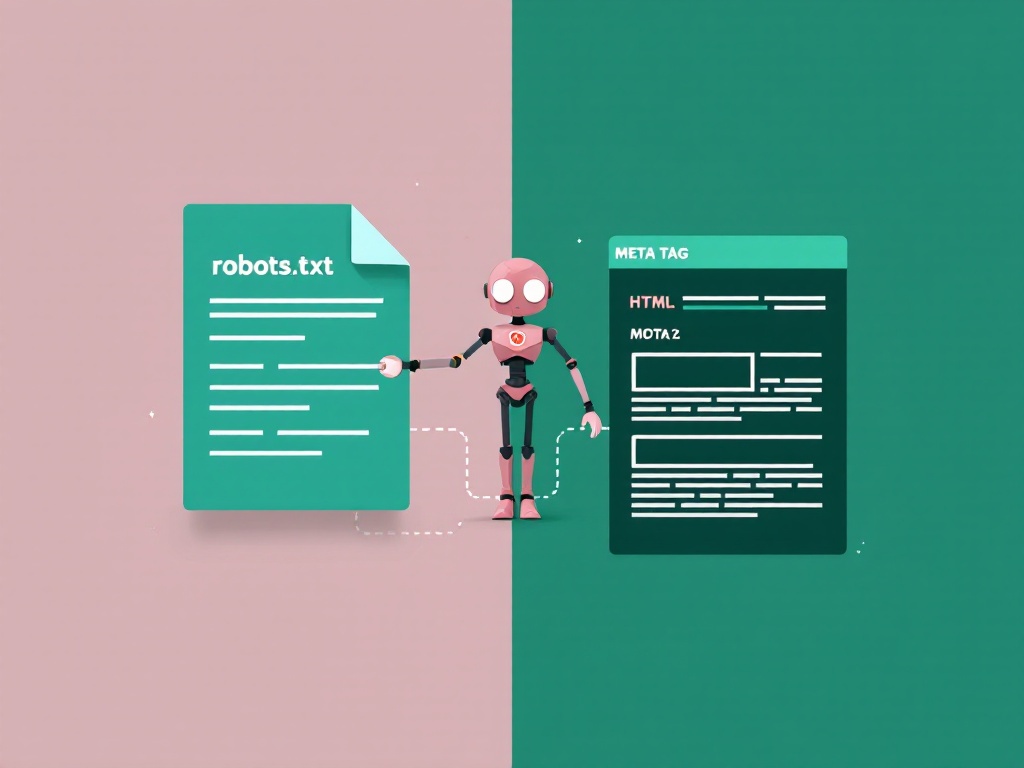
Robots.txt controls crawling; meta robots and X-Robots-Tag control indexing and other search behaviour after a resource is fetched. To remove a public page with noindex, Google must be allowed to crawl it and read the instruction.
The one-sentence difference
Robots.txt controls crawling (whether a bot is allowed to fetch a page). The meta robots tag controls indexing (whether a page that’s been fetched is allowed to appear in search results). Crawling and indexing are two separate stages, and each tool governs a different one.
What robots.txt does
Robots.txt is a single file at the root of your domain that tells crawlers which paths they may or may not request. It’s a crawl instruction, issued before the bot ever loads the page:
User-agent: *
Disallow: /wp-admin/
Disallow: /cart/

Sitemap: https://example.com/sitemap.xml
Key point: Disallow stops a bot from crawling a URL — it does not guarantee the URL stays out of Google. If other sites link to a disallowed page, Google can still index the URL (usually with no description, because it was never allowed to read the content). If you need to generate a robots.txt file, our Robots.txt Generator builds one in your browser, and the complete robots.txt guide covers every directive.
What the meta robots tag does
The meta robots tag lives in the <head> of an individual page and tells search engines what to do after they’ve crawled it. The most common use is keeping a page out of the index:
<meta name="robots" content="noindex, follow">
This says: don’t show this page in search results, but do follow its links. Because it’s a per-page instruction that Google reads directly, noindex is the reliable way to keep a page out of search — unlike a robots.txt Disallow.
Common values:
index, follow— the default; permits indexing and link following but does not guarantee either.noindex, follow— exclude the page from indexing while permitting link following; neither crawling nor link-equity transfer is guaranteed.noindex, nofollow— hide the page and ignore its links.noindexcan also be sent as an HTTP header (X-Robots-Tag) for non-HTML files like PDFs.
The mistake almost everyone makes
Here’s the trap: to reliably noindex a page, Google must be able to crawl it and read the meta robots tag. If you Disallow that same page in robots.txt, Google never fetches it, never sees the noindex, and the URL can linger in search results anyway.
# robots.txt
Disallow: /private-page/

# /private-page/ <head>
<meta name="robots" content="noindex">
# Google never crawls it, never sees noindex → may stay indexed
Rule of thumb: if you want a page gone from Google, use noindex and make sure robots.txt allows crawling of it. Only use robots.txt Disallow to save crawl budget on sections you don’t care about indexing at all.
When to use which
| Goal | Use |
|---|---|
| Keep a page out of Google reliably | Meta robots noindex (allow crawling) |
| Stop bots wasting crawl budget on admin/cart/search URLs | robots.txt Disallow |
| Exclude a public page while permitting link following | noindex, follow |
| Block a whole folder from crawling | robots.txt Disallow: /folder/ |
| Keep a PDF or image out of search | X-Robots-Tag: noindex header |
| Point crawlers to your sitemap | robots.txt Sitemap: line |
Choose the right method for your goal
| Method | Where it is set | What it cannot do |
|---|---|---|
| robots.txt | Public file at the origin root | Guarantee removal from search or prevent access by people |
| Meta robots | HTML head of a crawlable page | Protect confidential data or apply to a PDF’s HTML-free response |
| X-Robots-Tag | HTTP response header for HTML or other files | Work when the crawler cannot fetch the response |
| Authentication and authorization | Application or server access controls | Instantly erase an already indexed public copy |
A public page that should not appear in search
Use noindex, keep the page crawlable, and remove it from the XML sitemap. This is appropriate only if anyone with the URL may still view it. In WordPress, use the page’s SEO controls and verify the resulting HTML rather than placing a visible meta tag in the article body. See WordPress robots.txt and indexing checks.
A PDF that should stay publicly downloadable
Send X-Robots-Tag: noindex in the PDF’s actual HTTP response. Ask the hosting provider or use the appropriate server configuration. A meta tag on the page linking to the PDF does not control the PDF itself. Keep the PDF crawlable until Google can process its header.
HTTP/1.1 200 OK
Content-Type: application/pdf
X-Robots-Tag: noindex
Private or confidential information
Require authentication and restrict access to authorized users. Neither noindex nor robots.txt is a security feature. If private information has already been published, restrict access immediately and investigate removal separately. Search Console’s removal process can temporarily hide results; it does not replace a permanent access or indexing change.
Duplicate public URLs
First decide which URL should be the preferred version. Consistent internal links, canonical signals and appropriate redirects address duplication. Do not assume a noindex instruction is a substitute for choosing and linking to the canonical page.
Apply and verify noindex step by step
1. Confirm the exact URL and desired outcome
Record whether you need public access without search visibility, permanent deletion, or restricted access. Check the final URL after redirects; inspecting a different protocol or host can produce misleading results.
2. Allow crawling and add the directive
Check the applicable rules with the robots.txt URL tester. For an HTML page, add the robots tag through your SEO system. For a PDF, configure the response header. Avoid using two SEO systems to issue conflicting directives.
3. Inspect what the live response contains
Inspect a page’s meta robots tag using the Meta Tag Analyzer, then inspect response headers separately in your browser’s Network panel. Check for a redirect, another robots tag or a crawler-specific directive. A page-source check alone will not reveal an X-Robots-Tag header.
4. Update discovery signals and verify in Search Console
Exclude noindex URLs from the sitemap using the XML sitemap validation checklist. Inspect the exact URL in Search Console and distinguish stored indexing data from a live test. Allow time for recrawling and processing; a live test does not promise immediate removal.
Resolve conflicting directives
Disallow plus noindex
Remove the crawl block if the resource is intentionally public and you need Google to read noindex. Keep access controls for private information. Do not temporarily expose confidential content just to let a crawler see a tag.
Index plus noindex
Check both HTML tags and HTTP headers, including crawler-specific directives. For Google, the more restrictive applicable instruction generally controls conflicts. Remove an unintended noindex at its source and clear relevant caches; adding index elsewhere does not cancel it.
Noindex plus follow
Follow permits link following; it does not guarantee that Google will continue crawling the page indefinitely or transfer ranking value through every link. Link important pages directly from other indexable pages. Consult the complete robots.txt rule-matching guide when user-agent groups make crawl results unexpected.
How they work together
Used correctly, they’re a team: robots.txt keeps crawlers out of the areas that would waste their time (admin, cart, faceted URLs), while meta robots precisely controls which of your crawlable pages actually show up in search. Neither one forces Google to index a page — that’s always Google’s call — but together they give clear crawl and index signals.
The bottom line
Remember the split: robots.txt = crawling, meta robots = indexing. To remove a page from search, reach for noindex and leave it crawlable. To conserve crawl budget on junk URLs, reach for robots.txt Disallow. Never block a page in robots.txt and expect a noindex on it to work — that’s the contradiction that quietly leaves public pages in Google.
Frequently asked questions
Does robots.txt Disallow remove a page from Google?
Not reliably. Disallow stops crawling, but if the URL is linked from elsewhere, Google can still index it (often without a description). To remove a page from search, use a meta robots noindex tag and keep the page crawlable.
Can I use both robots.txt and meta robots on the same page?
You can, but be careful: if robots.txt disallows the page, Google can’t crawl it and therefore can’t read its noindex tag. For a noindex to work, the page must be crawlable.
What’s the difference between noindex and nofollow?
noindex keeps the page out of search results. nofollow tells search engines not to follow the links on that page. They’re independent — noindex, follow is a common combination.
Where does the meta robots tag go?
In the <head> section of the individual page’s HTML: <meta name="robots" content="noindex, follow">. For non-HTML files like PDFs, use the X-Robots-Tag HTTP header instead.
Which should I use to save crawl budget?
robots.txt. Disallowing large, low-value sections (admin, internal search, faceted URLs) stops crawlers wasting requests there. Meta robots doesn’t save crawl budget because the page still has to be crawled to read the tag.
Related tools & guides
- Robots.txt Generator — build a robots.txt file in your browser.
- The Complete Robots.txt Guide (2026) — every directive explained.
- Robots.txt for WordPress — platform-specific setup.
- The Complete XML Sitemap Guide (2026) — tell Google what to crawl.
Reference documentation
See Google’s robots meta tag and X-Robots-Tag documentation for supported directives and conflict handling.
Editorial note: Updated September 29, 2026 with AI assistance. Instructions were reviewed against the relevant tool implementation and documentation; examples are illustrative rather than claims of personal experience.
Handy tools for this topic
Free online tools, no signup
Every ToolBrainy tool runs right in your browser — no accounts, no watermarks and no limits. Compress a PDF, generate a strong password, convert an image and plenty more.