ToolBrainy
Free on Google Play

Smart Tools. One Powerful App.

ToolBrainy brings the everyday document tools you actually need into a single Android app — scan, read, edit, convert and organise PDFs in seconds. No sign-up, no subscription, and it works completely offline.

  • Works 100% offline
  • No sign-up required
  • No data collected
ToolBrainy app home screen on an Android phone
OfflineFiles never leave your phone
Scan & goAuto edge detection
What's inside

Everything your documents need

One app instead of five. Every tool below runs on your device, with no account and no subscription.

  • Complete PDF toolkit

    Merge, split and compress PDFs. Rotate, reorder or delete pages, and add page numbers or watermarks in a couple of taps.

  • Document scanner

    Scan documents, receipts and notes with your camera. Automatic edge detection keeps them crisp, and multi-page scans save straight to PDF.

  • Convert anything

    JPG and PNG to PDF. Word, Excel and PowerPoint to PDF — and PDF back to Word, Excel or PowerPoint. Text to PDF too.

  • Read, fill & sign

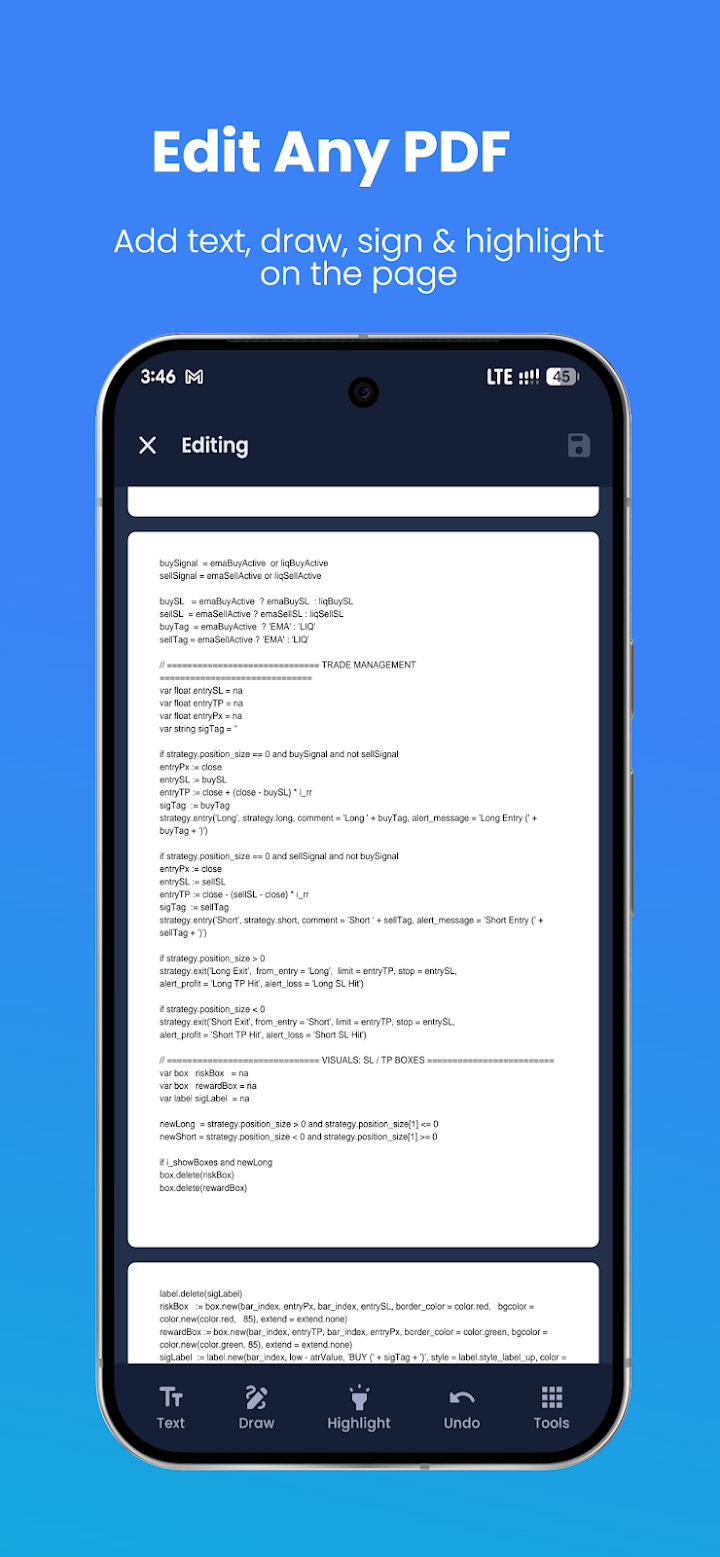
    A smooth reader with pinch-to-zoom. Add text, draw or sign on any page, highlight what matters, and search inside a PDF instantly.

  • Protect & unlock

    Lock a PDF with a password, unlock a protected file you already own, and extract the text out of any document.

  • Private by default

    Everything runs on your device. No cloud uploads and no tracking — the Play listing declares no data collected and none shared.

App preview

A look inside ToolBrainy

Real screens from the app on Google Play — a clean, modern interface built to stay out of your way.
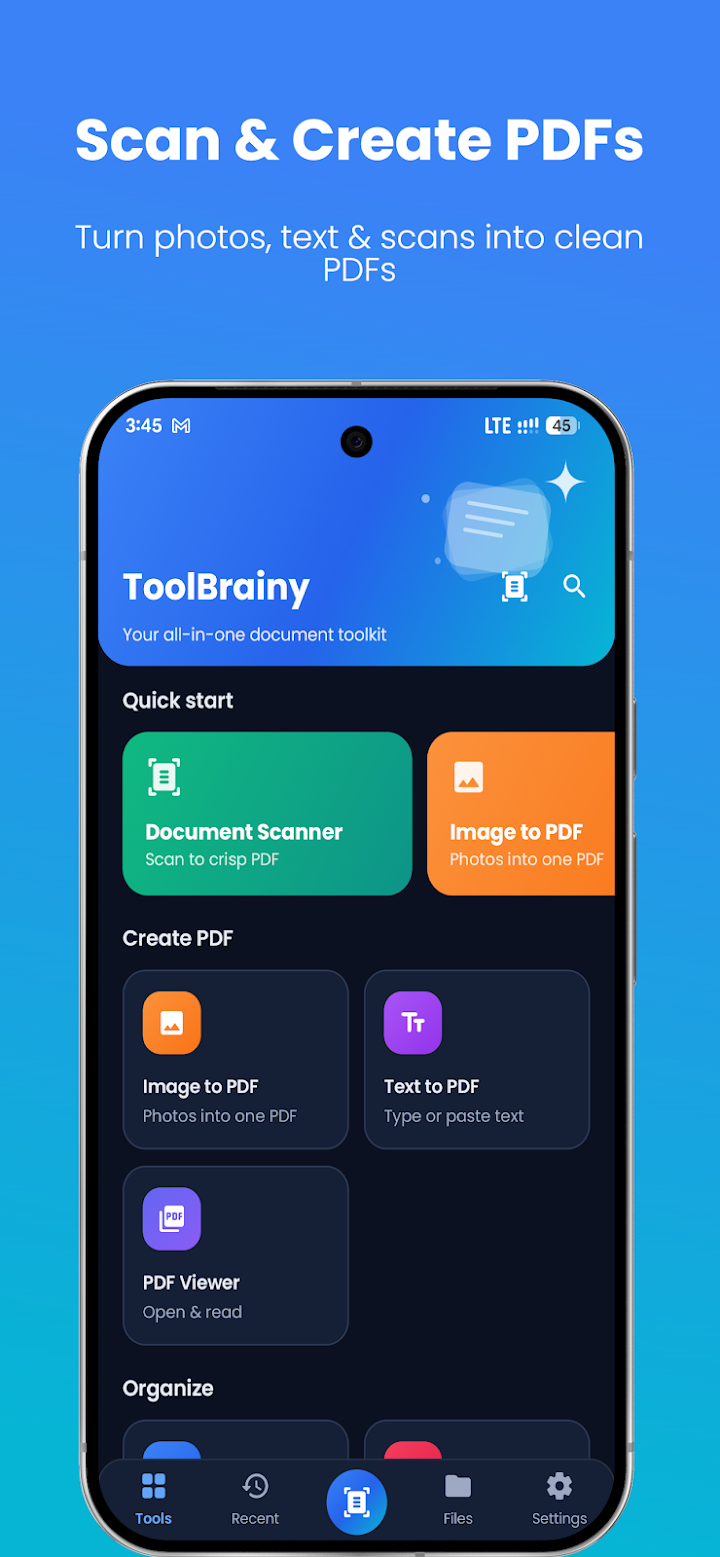
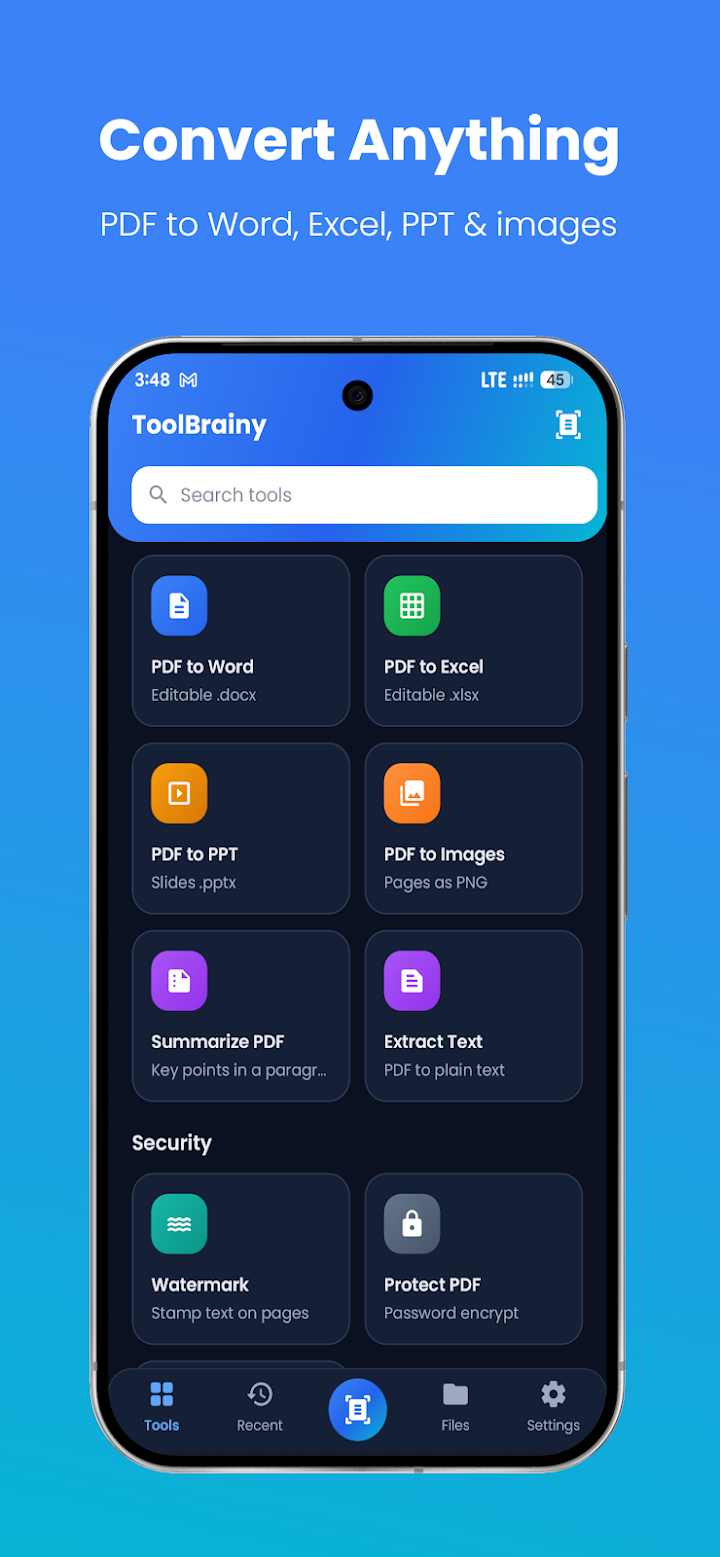
ToolBrainy Android app screenshot

Swipe to see more screens

Why ToolBrainy

Everything in one place, and nothing in the way

Most document jobs need three different apps. ToolBrainy puts them behind a single, uncluttered home screen — so the thing you need is always a tap away.

  • Everything in one place

    Scanner, reader, editor and converter live in the same app — no juggling downloads or switching between tools mid-task.

  • A simple, modern interface

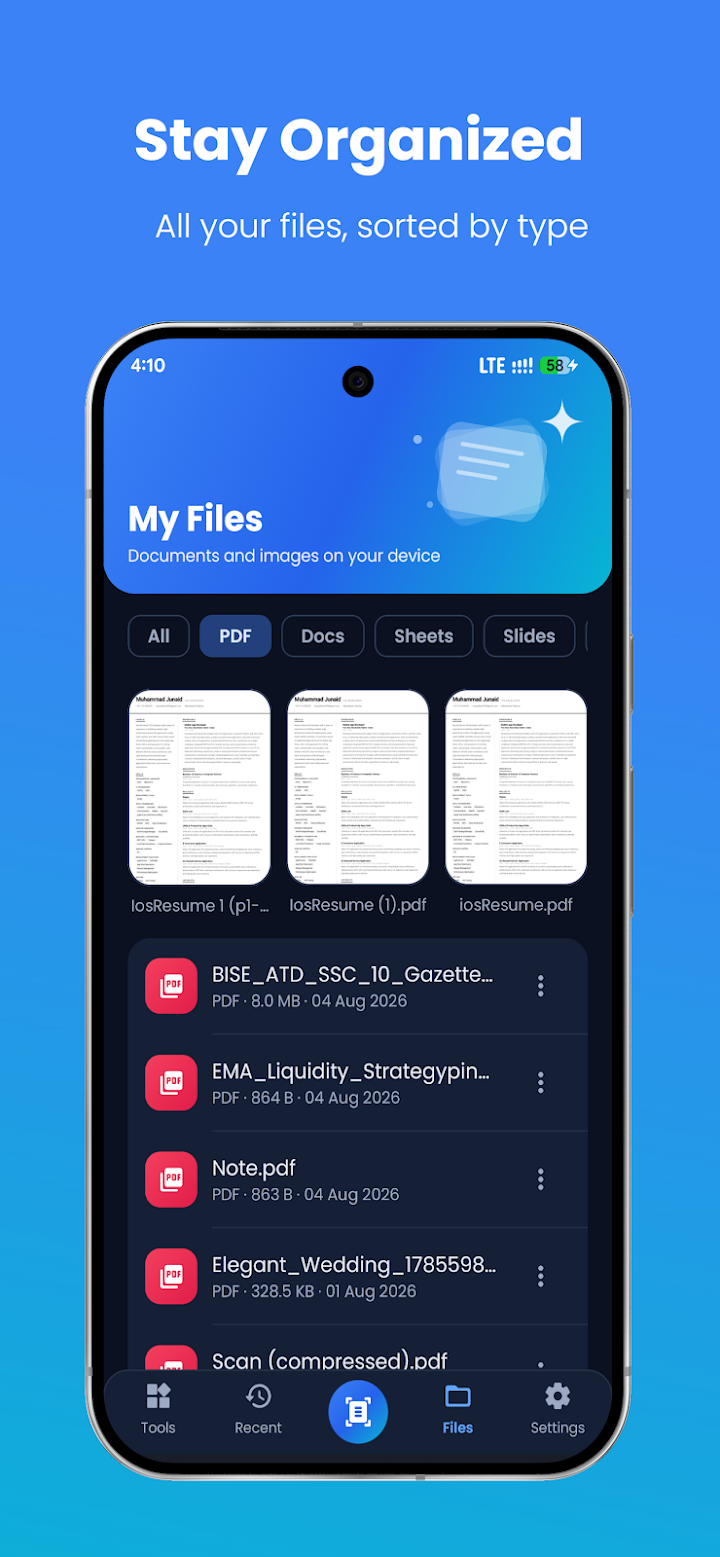
    Files are grouped by type — PDF, Docs, Sheets, Slides and Images — with recent files and scans one tap from the home screen.

  • Tools you'll actually use

    Merge, compress, convert, sign, protect. The everyday jobs students, freelancers and office workers hit every week.

  • Private by design

    It all runs on your device — no cloud uploads, no account, and no watermarks stamped on your work.